All-in-One Nintendo Switch Updater
A homebrew application that brings common Nintendo Switch custom-firmware maintenance tasks together in one place.
View the source projectWhat AIO-Switch-Updater can help with
AIO-Switch-Updater can download and update common CFW resources, sigpatches, firmware resources and cheat codes. It supports Atmosphère, ReiNX and SX OS, making it useful when you want to keep routine maintenance tasks in one interface.
Maintain your setup
Keep common CFW resources and supporting files up to date.
Retrieve cheats
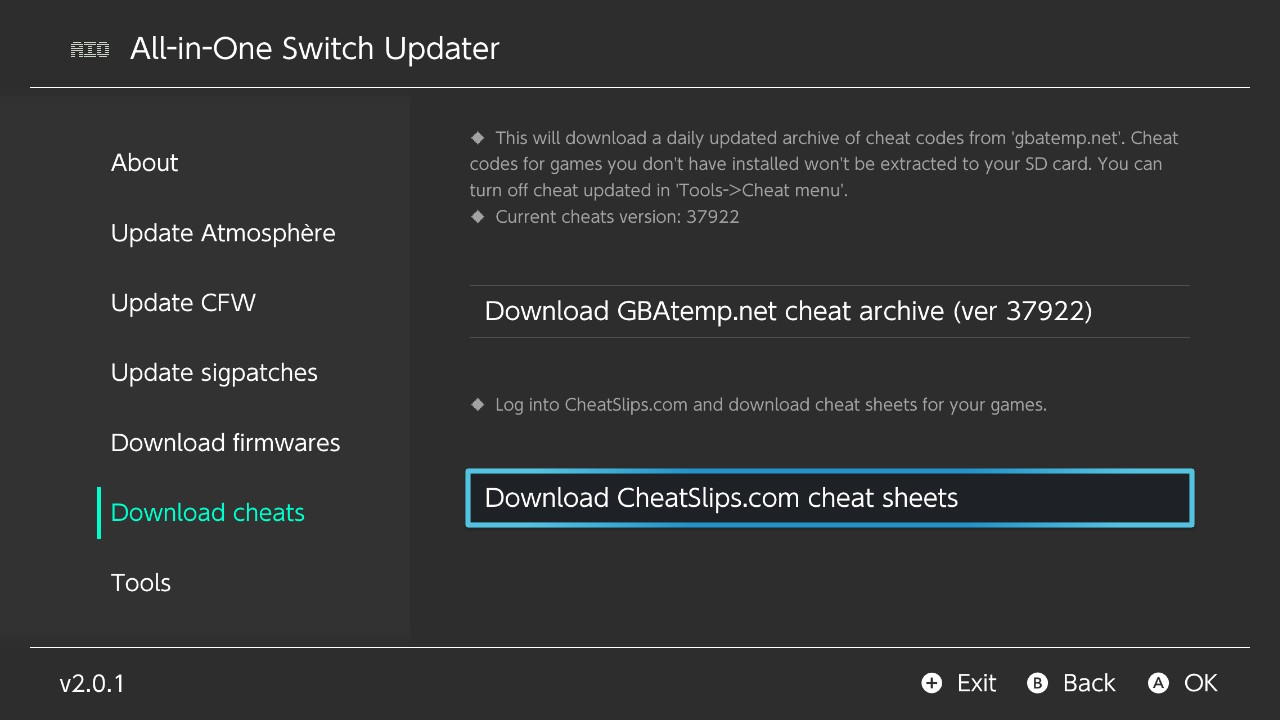
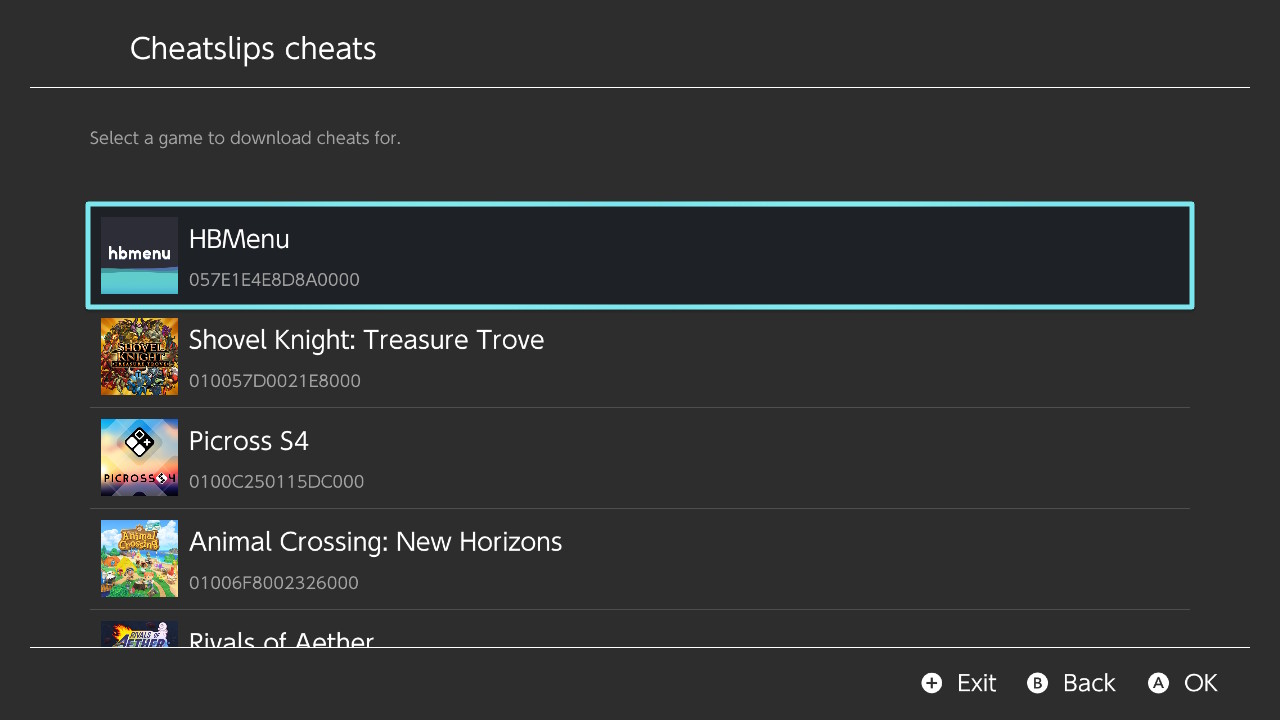
Download cheat files without manually moving an archive from a computer.
Use the right layout
CheatSlips can prepare downloads for the CFW selected in your profile.
Before installing
AIO-Switch-Updater is intended for consoles already running compatible custom firmware. Use trusted documentation for your specific console, read each update prompt carefully and keep a backup of your SD card before changing CFW files.
How to install
- Download the application from its official project page.
- Copy the
aio-switch-updater/directory to/switchon your SD card. - Use a reliable SD card and keep a backup; our SD card guide can help.
- Safely eject the card, start your Switch with CFW, and launch the application from the homebrew menu.
Connect AIO-Switch-Updater to CheatSlips
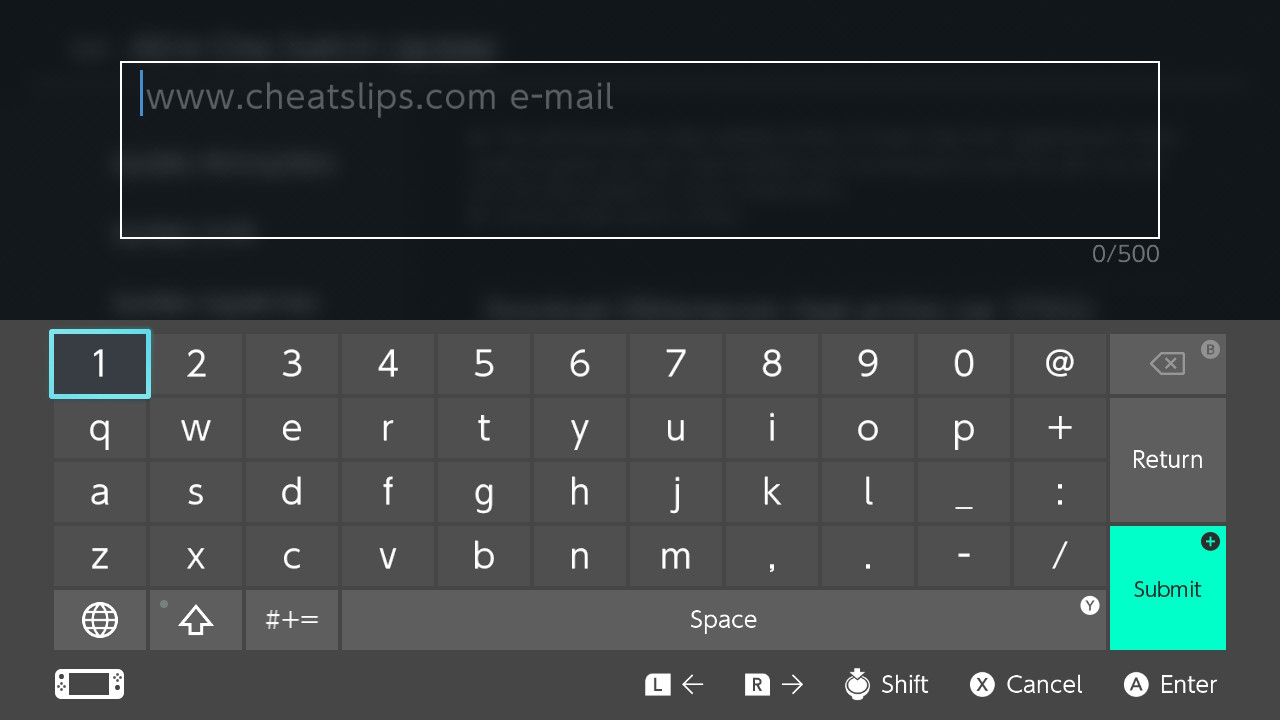
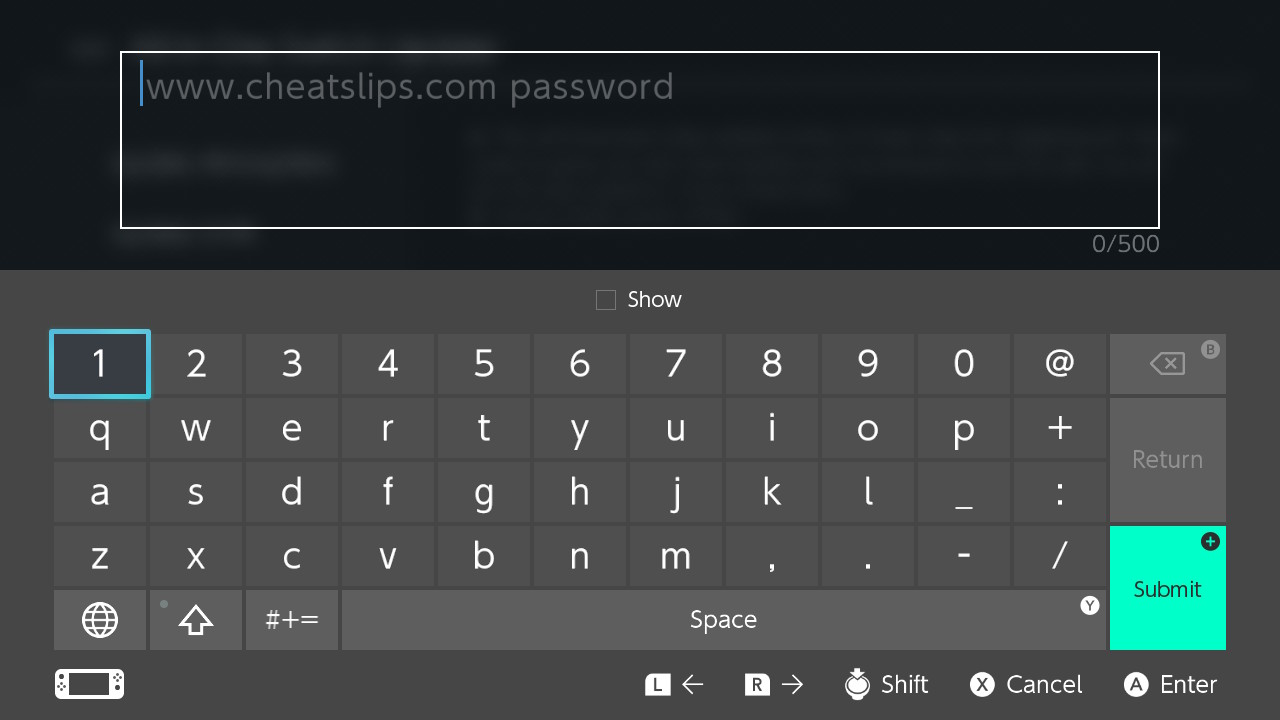
You can connect the application to your personal CheatSlips account to retrieve cheat codes directly from the console. Generate an API token in your profile, then enter it only in software you trust.
Treat the API token like a password: do not share it in screenshots, public messages or configuration files you distribute.
Open my API tokenFAQ
I cannot enter my email or password
Hold R while launching the homebrew application. This opens the homebrew menu in a mode that allows proper text input, which is needed for login fields.
Screenshots
These screens show the account connection and cheat download flow inside the application.